
AIREPLAY-NG: A BEGINNER'S GUIDE TO DE-AUTHENTICATION ATTACK.
- May 4, 2023
- 5 min read
This blog is the continuation of the pre-connection attack of the network hacking section. Learn how to use aireplay-ng to disconnect anyone from the internet.
NOTE:
All the attacks displayed below have been carried out in controlled personal labs. This blog is for educational purposes only. Hacking is a legal offense; please do not cross the white line.
INDEX
INTRODUCTION
This blog will continue the pre-connection attack section and discuss the De-authentication attack. To achieve this task we will use a tool called aireplay-ng. By the end of this blog, you will have complete practical knowledge of the De-authentication attack.
WHAT ARE DE-AUTHENTICATION PACKETS?
Like any other packet, de-authentication packets are used when a client wants to disconnect from the network. The client sends a de-authentication packet to the access point, then the access point replays that de-authentication packet and resends it to the client, and the client finally disconnects from the network.
All these processes are carried out via MAC addresses. Since MAC addresses can be spoofed, this functionality is susceptible to de-authentication attacks.
THE THEORY BEHIND DE-AUTHENTICATION ATTACK.
By this time, you may have guessed what we are going to do. We will spoof our MAC address and pretend to be the client. We will then send a de-authentication packet to the access point and request to be disconnected from the network. We will then spoof our MAC address to the router's MAC address, send a de-authentication packet to the client, and disconnect it from the network.
DISCONNECTING A SINGLE DEVICE FROM THE WI-FI
To disconnect a single device from the network, follow these steps:
Step 1: Open the Kali Linux terminal and run airodump-ng to find the MAC addresses of all the nearby access points.
Step 2: Run airodump-ng against the specific network to find out all the connected clients to it.
(To learn how to execute step 1 and step 2 please READ THIS BLOG.)
Step 3: To disconnect a specific client from the device, use this code.
aireplay-ng --deauth [# no of de-authentication packets] -a [Access point's MAC] -c [Client's MAC] [interface]
aireplay-ng --deauth 1000000 -a 64:7C:34:A4:BB:B2 -c 00:21:27:FD:61:06 mon0

NOTE:
If your client uses a 5 GHz band, just add a -D after the client's MAC address. Also, if your code didn't work or you encountered some error, PLEASE REFER TO THIS SECTION.
Step 4: Hit enter, your output should look something like this.

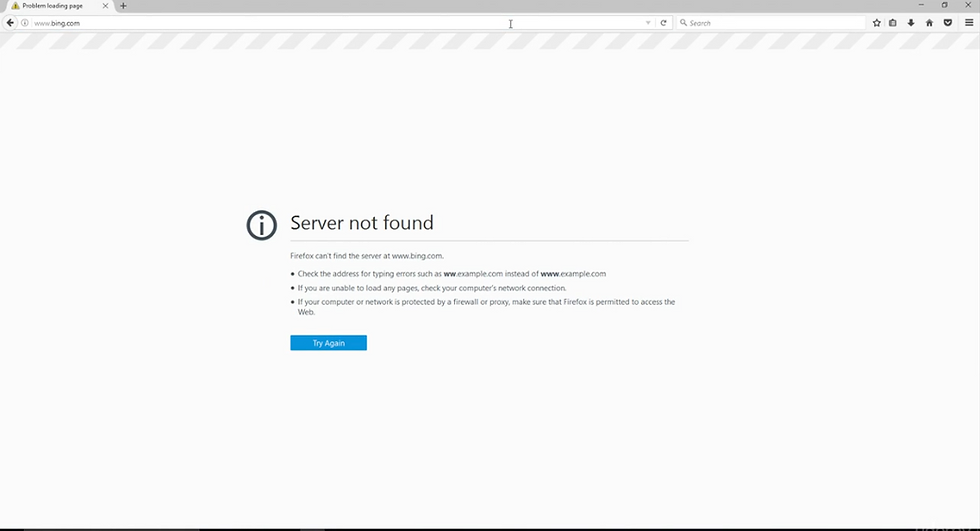
We have now successfully disconnected the client from accessing the internet.
DISCONNECTING MULTIPLE DEVICES FROM THE NETWORK.
Before starting the theory, let us first understand why we may need to disconnect multiple devices from the network.
Let us say that we have disconnected a client using the above command. There are three possibilities that you may face.
Case 1:
Your client may connect to a 5 GHz band of the same network and continue to have internet access.
Case 2:
The target client may connect to completely different networks.
Case 3:
The target client may have cellular data and thus continue to have active internet access.
In "Case 1" and "Case 2," we have to run the same command on the same target device to cut its internet access. However, for "Case 3," you cannot do much about it since the client is directly accessing the internet through mobile data. Hence we need to understand the concept of disconnecting multiple devices from the network.
THEORY:
To disconnect multiple clients from the network, we can just split our terminal and run the command again. But if we want to disconnect, let's say, 10 devices, then our terminal will be messed up. To keep the terminal clean, we will add the '&' symbol to inform Kali Linux to run the command in the background. To avoid getting the output, we will append the code with the '&> /dev/null' command and redirect the output to null.
We will then use the "jobs" command to list all the background processes and use the "kill" command to terminate the background processes.
The modified command is displayed below.
Old Command: aireplay-ng --deauth 1000000 -a 64:7C:34:A4:BB:B2 -c 00:21:27:FD:61:06 mon0
New Command: aireplay-ng --deauth 1000000 -a 64:7C:34:A4:BB:B2 -c 00:21:27:FD:61:06 &> /dev/null & mon0

Now if we hit enter the de-authentication attack will still work, we will just not see the output of the executed code because it will be running in the background.
To see the background processes use the following code:
jobs
You shall see the following output:

Now we can re-run the same command we just need to change the client's MAC address.
To kill the first process enter the below command:
kill %1
Now the first process has been terminated.

To kill all the processes together execute the following command:
killall aireplay-ng
Now, all the processes have been terminated.

DISCONNECT ALL THE DEVICES TOGETHER
So far, we have acquired the knowledge to disconnect one or more clients from the network. But if we have to disconnect all the devices from the network, we just need to slightly modify the original code.
To disconnect all the devices, enter the following command:
aireplay-ng --deauth 1000000 -a 64:7C:34:A4:BB:B2 mon0
We have just removed the client's MAC address. Aireplay-ng will now disconnect every client from the network.

NOTE:
When we disconnect all the clients, then aireplay-ng will automatically send de-authentication packets to each target device individually; hence, it may take some time to disconnect each device from the network. If fewer clients are connected to this network, then the process will be faster.
COMMON ISSUE:
You may run into some rare issues while doing the de-authentication attack. For example:

If you are getting the same or similar errors, just run airodump-ng against your target network, and you will be good to go. To learn how to run airodump-ng against a specific target, READ THIS SECTION.
WHAT'S NEXT?
After you have successfully disconnected a client from the access point, there are many things you can do to gain full control of the target device.
You can pretend to be from the internet service provider and then ask the user to install a backdoor and gain full access to the target's machine, or you can create a fake access point to trick the user into connecting to that fake access point and then doing malicious stuff. There are endless possibilities that you can explore once you disconnect the client from the internet. We will cover many of them in the upcoming blogs.
CONCLUSION:
In this blog, we covered all about the de-authentication attack and how to properly perform it. We also covered the solution to the common issue. We also caught a glimpse at what you can do once you have disconnected the client from accessing the internet. This is the last blog about the pre-connection attack. In the next blog, we will start the Gaining Access section and learn about a lot of cool stuff.
HAPPY HACKING!



Comments